Call customers from your CRM through Freesbe
A rep looking at a contact in the CRM shouldn’t have to copy the number into a dialer. With click-to-call, the CRM’s Call button rings the rep’s Freesbe phone first, in the app on their computer or phone; once they answer, Freesbe dials the customer from the workspace’s number, and the call shows up in their calls like any other. This is for whoever builds that button: an admin to make the app, and a developer to wire it up. You need the phone system from Freesbe.
The simplest version: phone numbers are already links
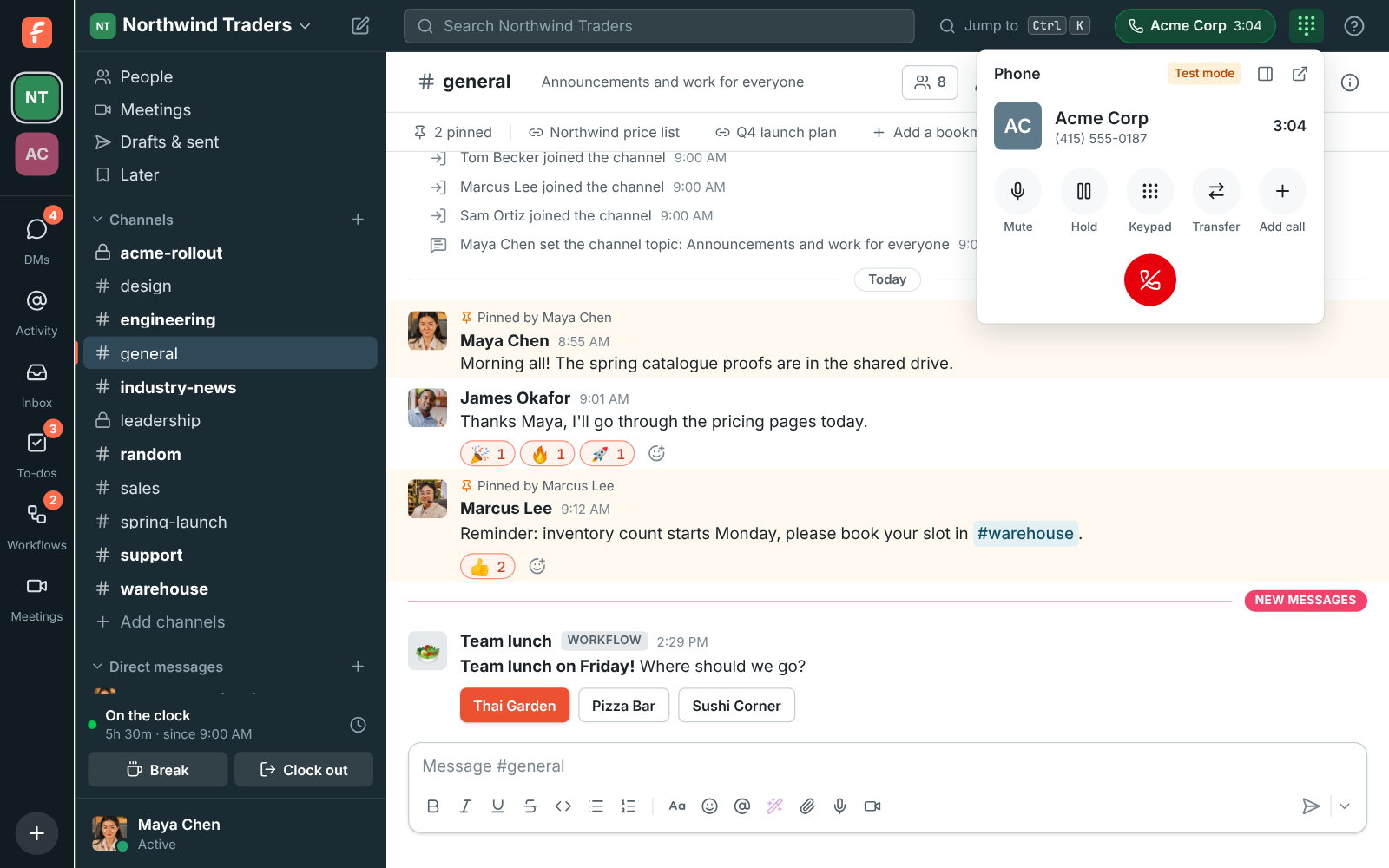
Section titled “The simplest version: phone numbers are already links”Before building anything, check whether a link does the job. In Freesbe, clicking a phone number on someone’s profile or a phone link in a message calls from Freesbe instead of opening another app. Holding Ctrl or ⌘ while clicking hands it to the computer’s phone app instead. If your CRM posts contact cards into a channel, the number on the card is enough.
1. Make an app with the phone:call permission
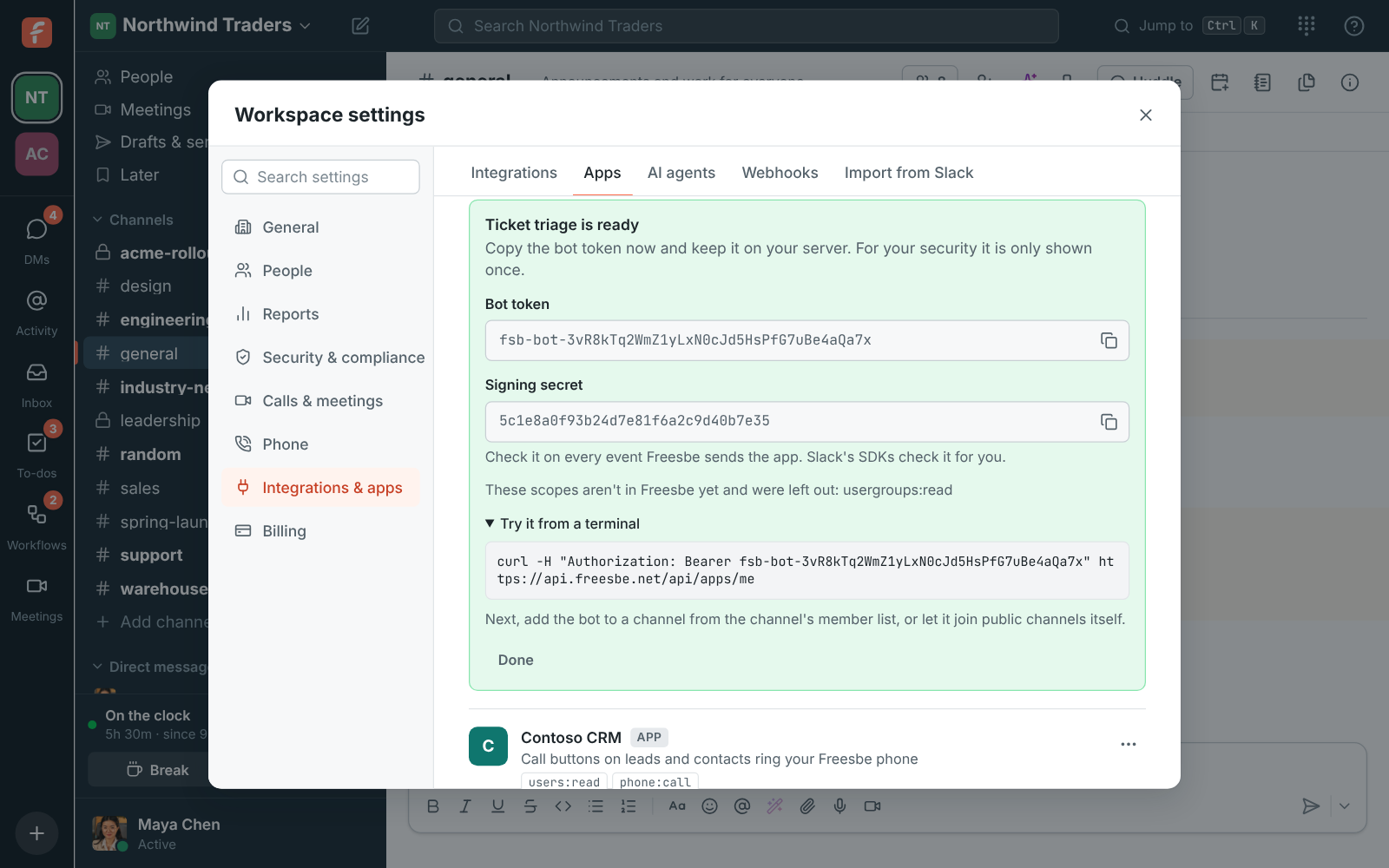
Section titled “1. Make an app with the phone:call permission”An app is how another system acts in your workspace. An admin opens Workspace settings → Integrations & apps → Apps, clicks Create app, names it (Northwind CRM, say), ticks the phone:call permission, and clicks Create app. Freesbe shows the app’s bot token once: copy it into the CRM server’s secrets now. Keep it on the server, never in the browser: anyone with it can start calls that go on your workspace’s phone bill.
2. Start a call from the CRM’s server
Section titled “2. Start a call from the CRM’s server”When the rep clicks Call, the CRM’s server sends:
POST /api/workspaces/{w}/phone/callswith the app’s token, the customer’s number in to, and whose phone rings in userId or
email. You can pass a leadId and vars of your own, which come back when the call ends.
The rep’s Freesbe phone rings; when they answer, Freesbe dials the customer. The rep has to be signed in to Freesbe’s phone somewhere (the desktop app, the browser or the mobile app). If they aren’t, or they’re on another call, the call isn’t started and the answer says why, so the CRM can show “Open Freesbe first” rather than fail quietly.
The exact request and response are in the API reference.
3. Log how it went
Section titled “3. Log how it went”Subscribe to the phone.call_ended event: it says whether the customer answered and how long
you talked, with the leadId and vars the call was started with, so the CRM can write “Called,
4 minutes” on the lead. Apps with phone:call can subscribe to it, and so can
outgoing webhooks.
Letting an AI agent call for you
Section titled “Letting an AI agent call for you”A person who connects an AI agent such as Claude can let it call for them with its call_phone_number tool: “Call Contoso and ask when the order ships” rings their Freesbe phone first, the same way. The agent never gets phone:call unless it asks for it when connecting, and admins can take the permission away from an agent under Workspace settings → Integrations & apps → AI agents → Permissions. See Connect Claude or ChatGPT over MCP.
- Calls started this way go out from your workspace’s number, so set Who can call out with it on that number in Phone → Numbers to include the reps.
- Every call lands in Phone → Call log in the Admin Center a few minutes after it ends. With recording and notes on, the rep gets a summary and action items from Phone in their DM.
- Freesbe’s own CRM integrations (HubSpot, Salesforce, Pipedrive and Zoho CRM) post alerts and log messages to contacts; see Choose an integration.
See Click-to-call from your CRM for the details.
Answers come from the Freesbe guides and are written by AI, so check the linked guide before relying on one. Please don't include personal details such as emails or passwords.